Replies come too late
By the time someone answers, the buyer has already booked somewhere else or lost interest.
Turn WhatsApp chats into confirmed appointments by replying faster, qualifying early and sending the right booking path at the right moment.
Most businesses do not lose WhatsApp bookings because people are not interested. They lose them because replies come too late, the chat stays vague or the wrong booking link gets sent.
By the time someone answers, the buyer has already booked somewhere else or lost interest.
The team still has to figure out fit, service type, urgency and the next step by hand.
A generic link often creates more confusion instead of moving the chat to a confirmed appointment.
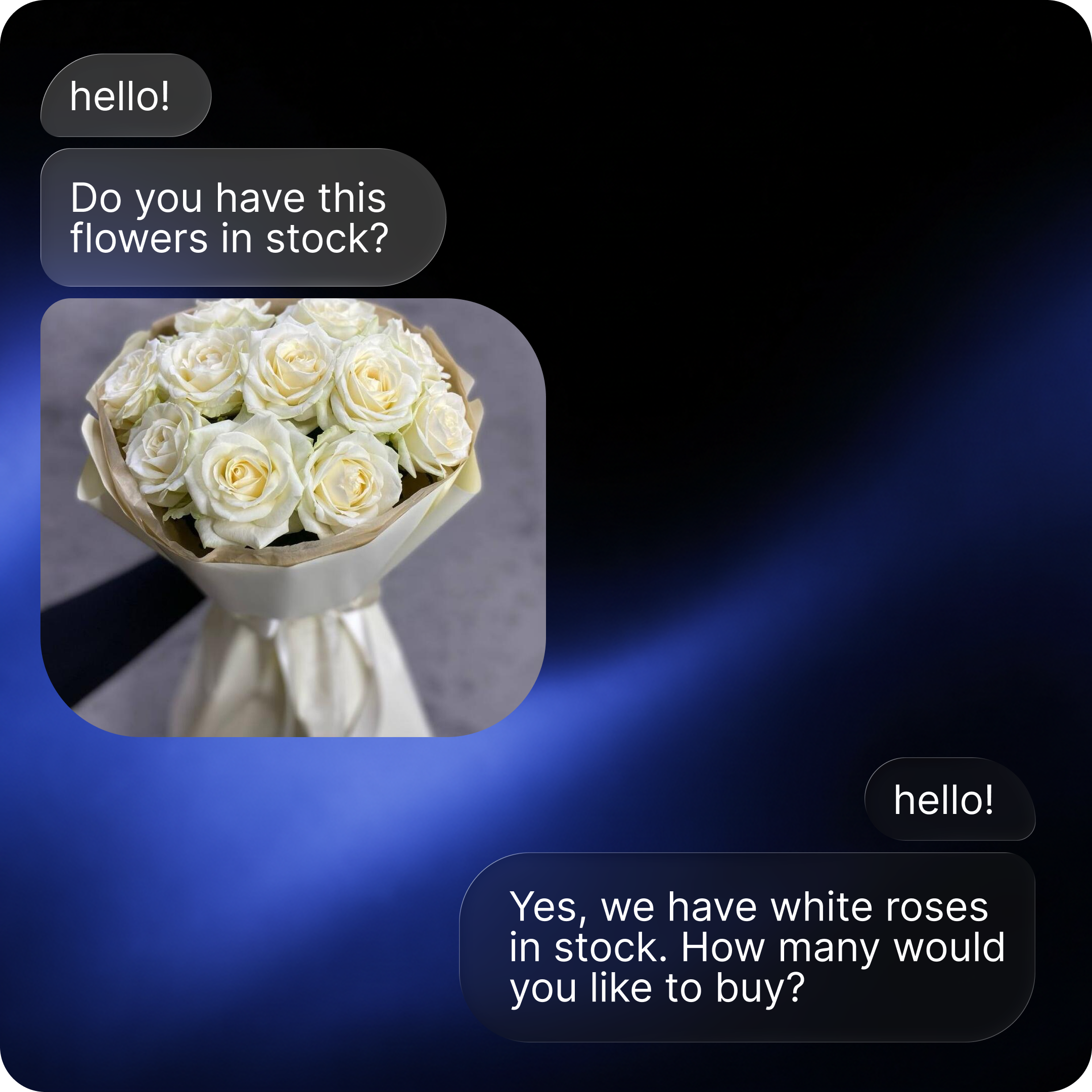
A strong WhatsApp booking flow should do four things in order: answer, qualify, route and hand off.
Reply while the person is still active in WhatsApp and ready to move.
Confirm what they need, how soon they want it and which service or appointment type fits.
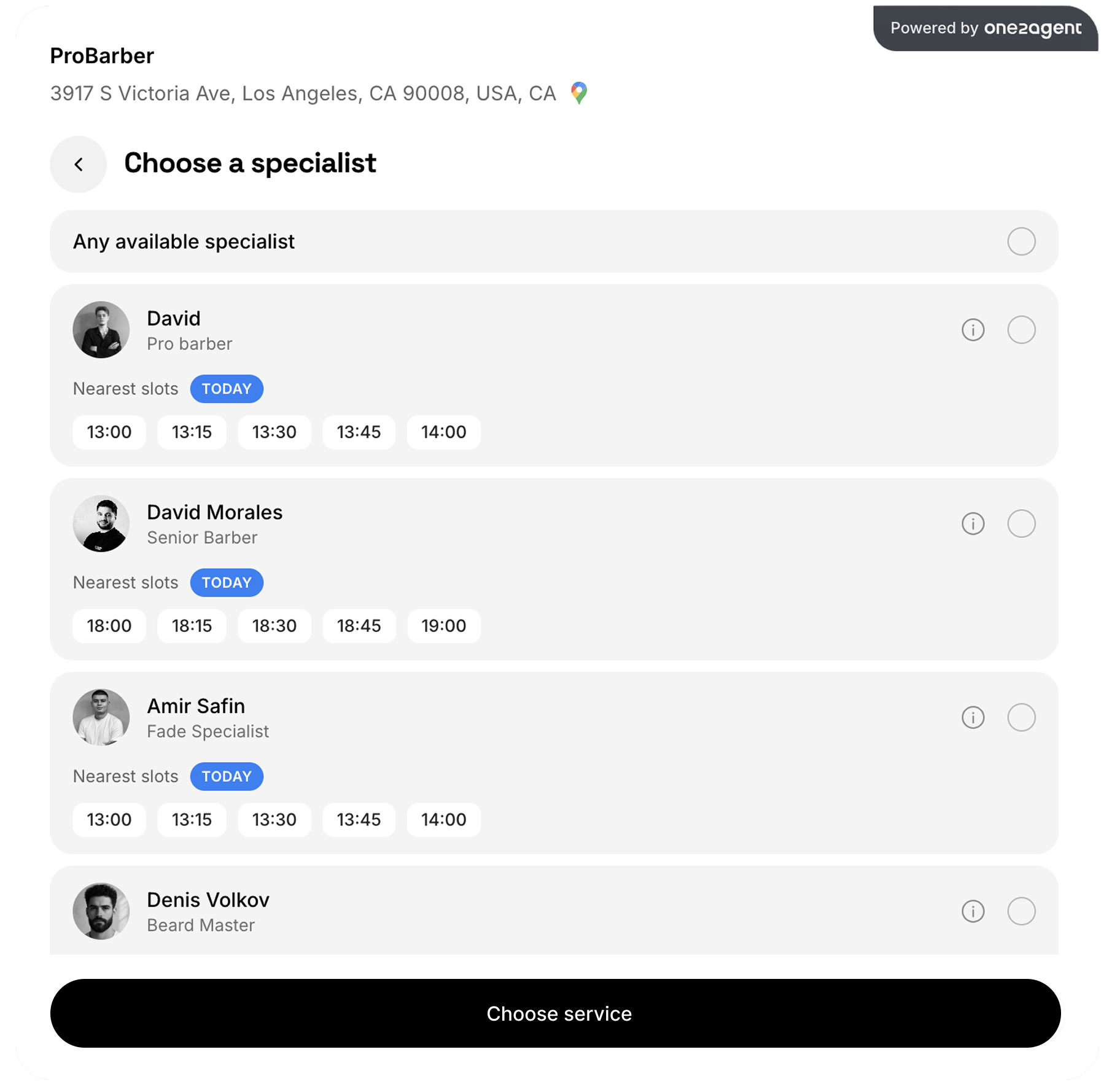
Move stronger chats to the correct public booking link instead of one generic scheduler.
If a human should step in, pass the conversation over with the key details already captured.
WhatsApp booking works best when the conversation, the knowledge and the booking logic all work together.
The agent should answer from your actual business knowledge, not generic filler.
The workflow should separate serious booking intent from casual questions before a rep spends time.
A qualified buyer should move to the right appointment flow, not a random booking page.
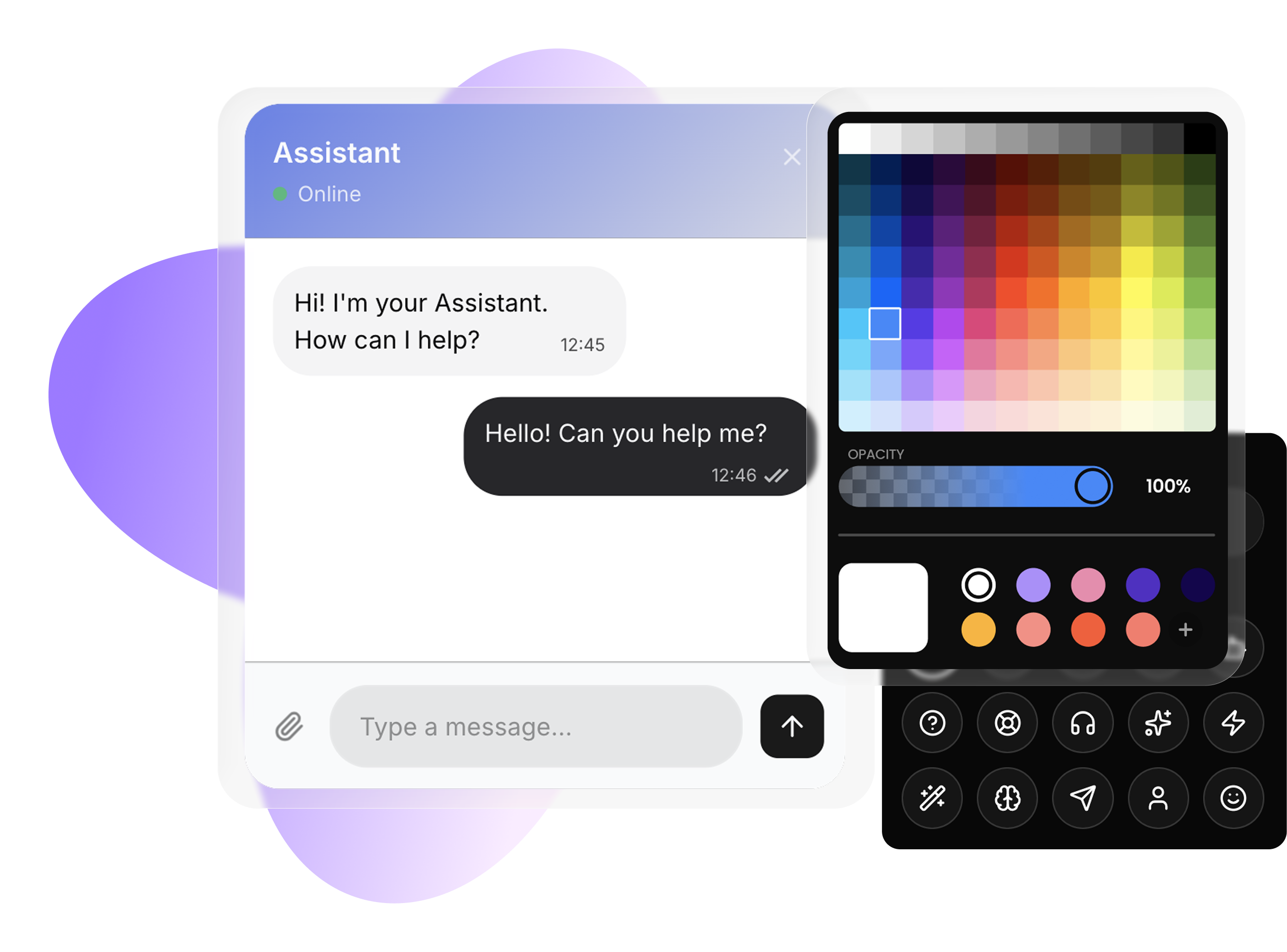
Your team should be able to see the conversation, reply from inside the platform and catch handoff moments when needed.
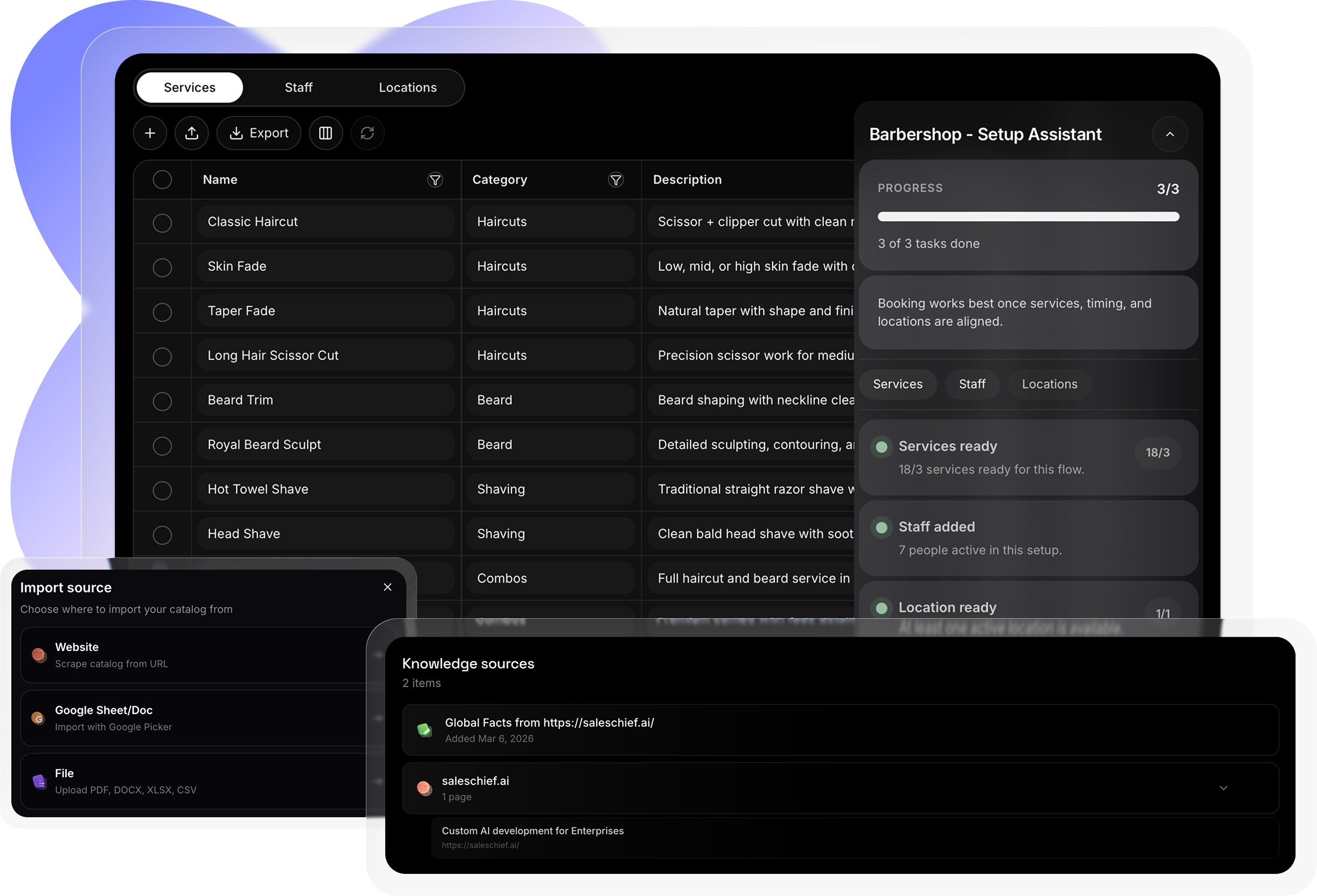
A WhatsApp booking setup gets much stronger when the agent already knows your business. OneTwoAgent lets you start fast with knowledge from Google Docs, your website, regular files and your site catalog so the agent can answer real questions without a long manual setup.
Use the pages buyers already read as part of the agent’s knowledge.
Bring in business information and internal content without rewriting everything by hand.
Pull in documents and catalog content so answers stay closer to the real business.
Most WhatsApp booking setups fail for the same reasons. They either act like manual support chats or they push buyers to the wrong next step too early.
If the chat only answers random questions and never drives toward booking, too many opportunities die in the thread.
A booking link without qualification often creates drop-off instead of progress.
If the team cannot see the conversation and catch when a human should step in, the workflow breaks.
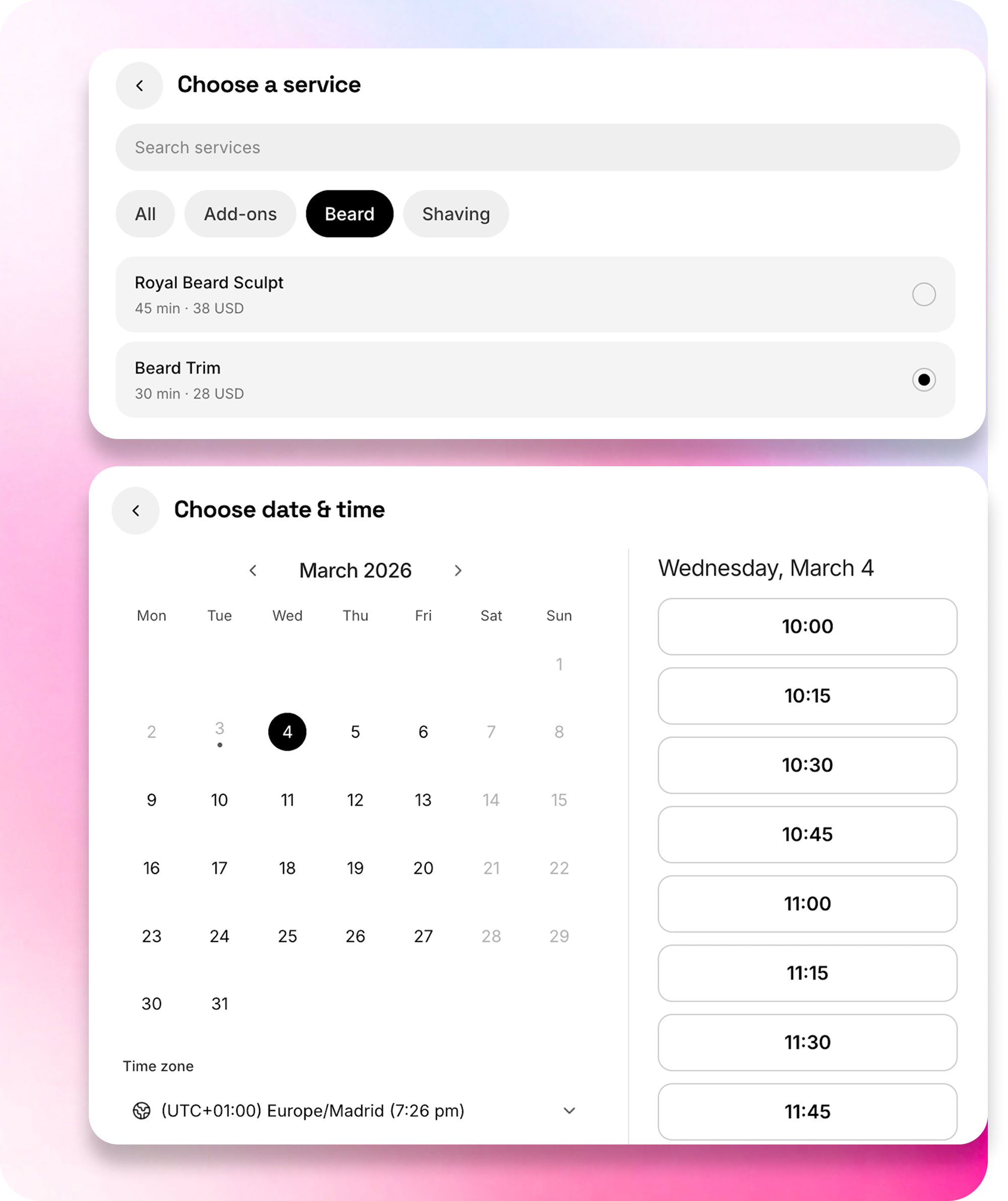
A good WhatsApp booking flow should not end with a vague “we’ll get back to you” step. OneTwoAgent uses dedicated public booking links so buyers can move from chat to a clean booking experience with the right service, meeting type or next step already in place.
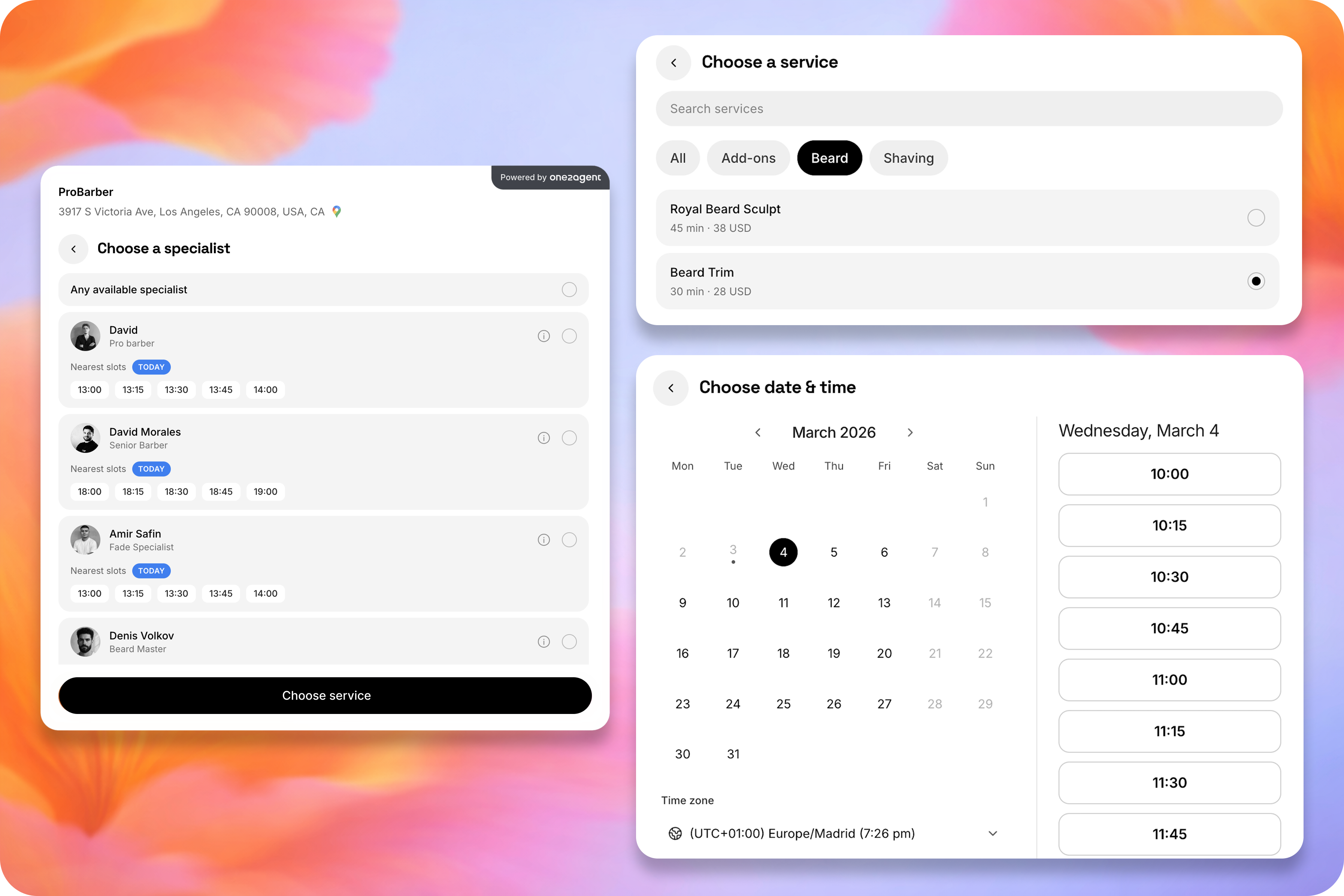

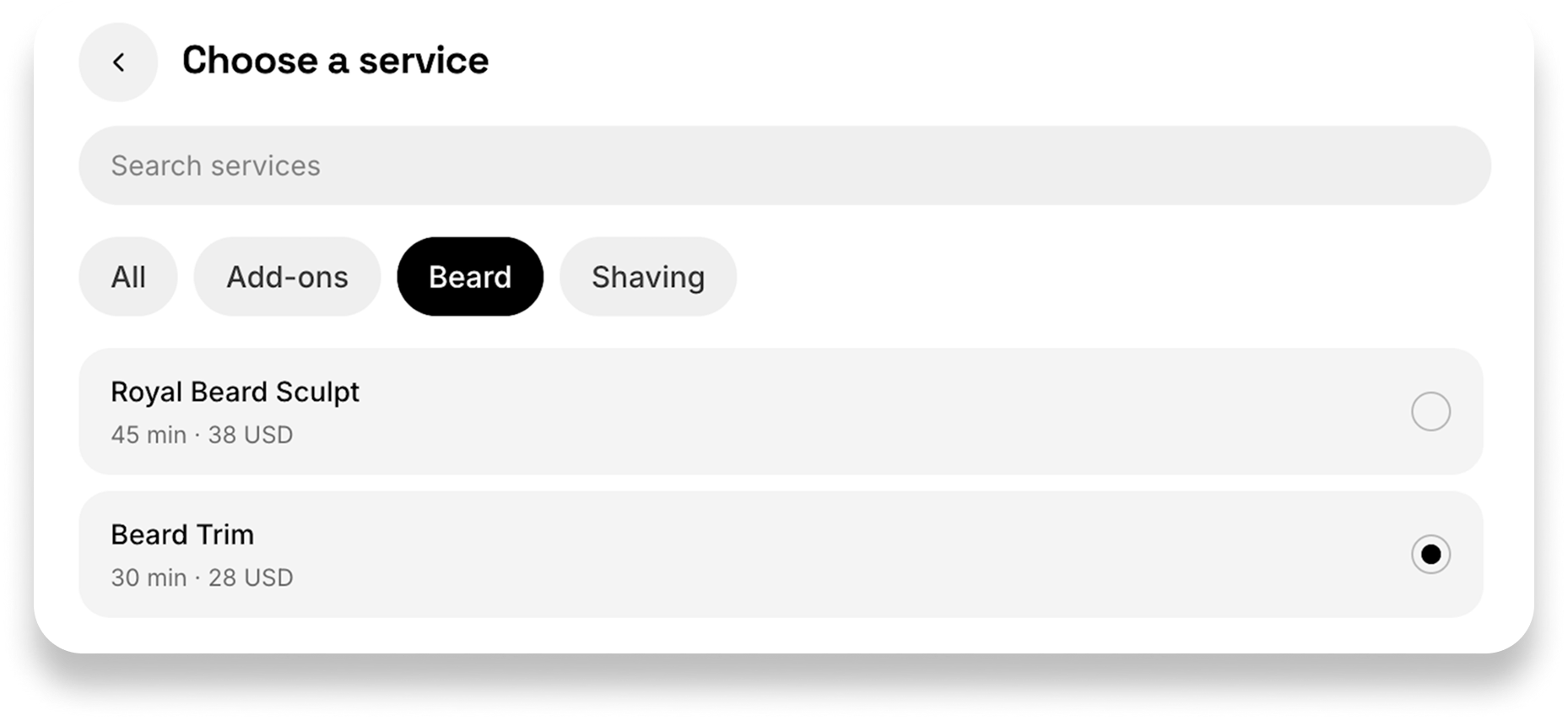
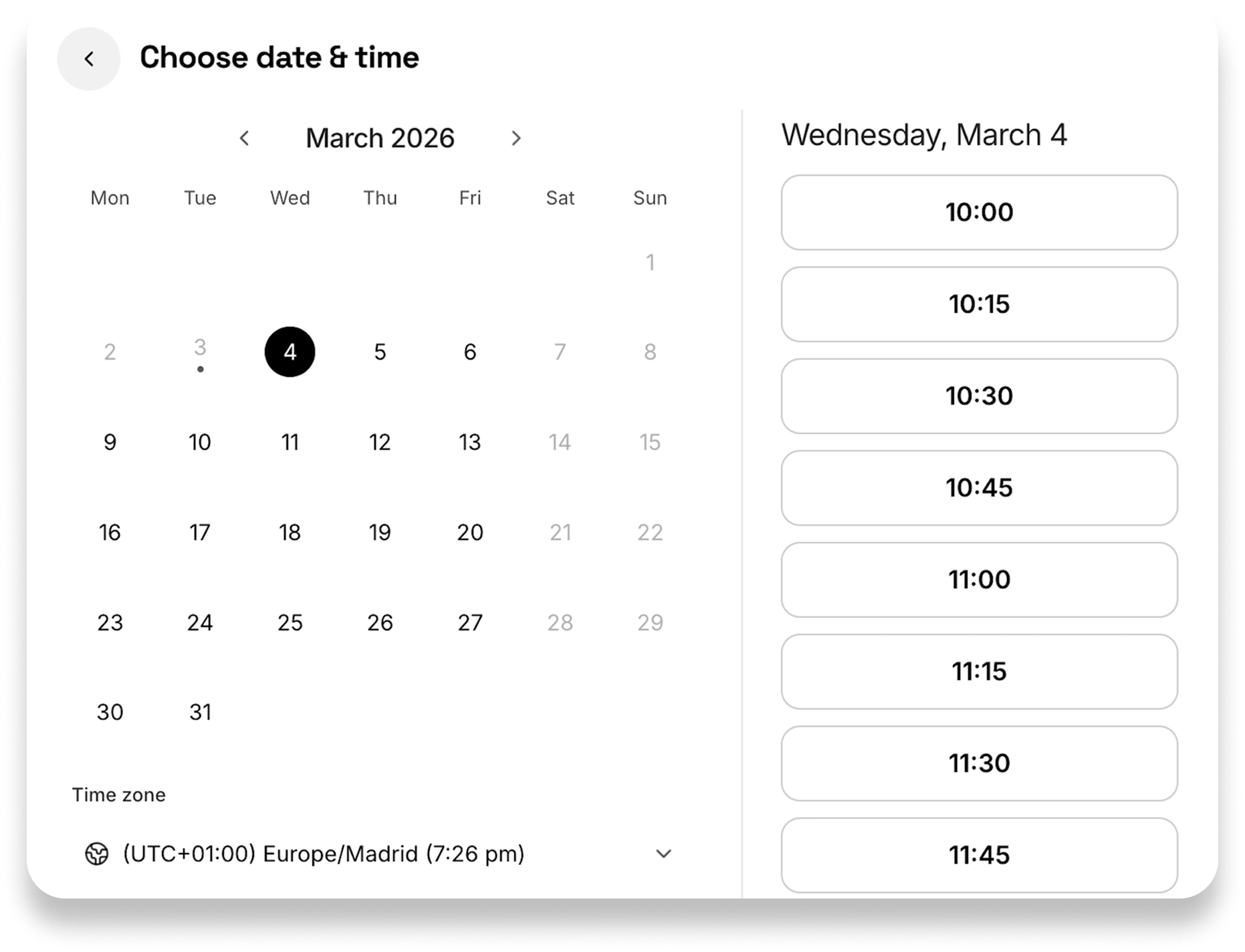
WhatsApp booking is not only for local appointments. It can also power consultations, calls and video meetings. A conversation can move from qualification to a booked call without manual scheduling, Zoom & Google Meet links can be created automatically when video calls are enabled in your setup and meetings and appointments stay tied to the same booking logic instead of living in separate manual workflows.
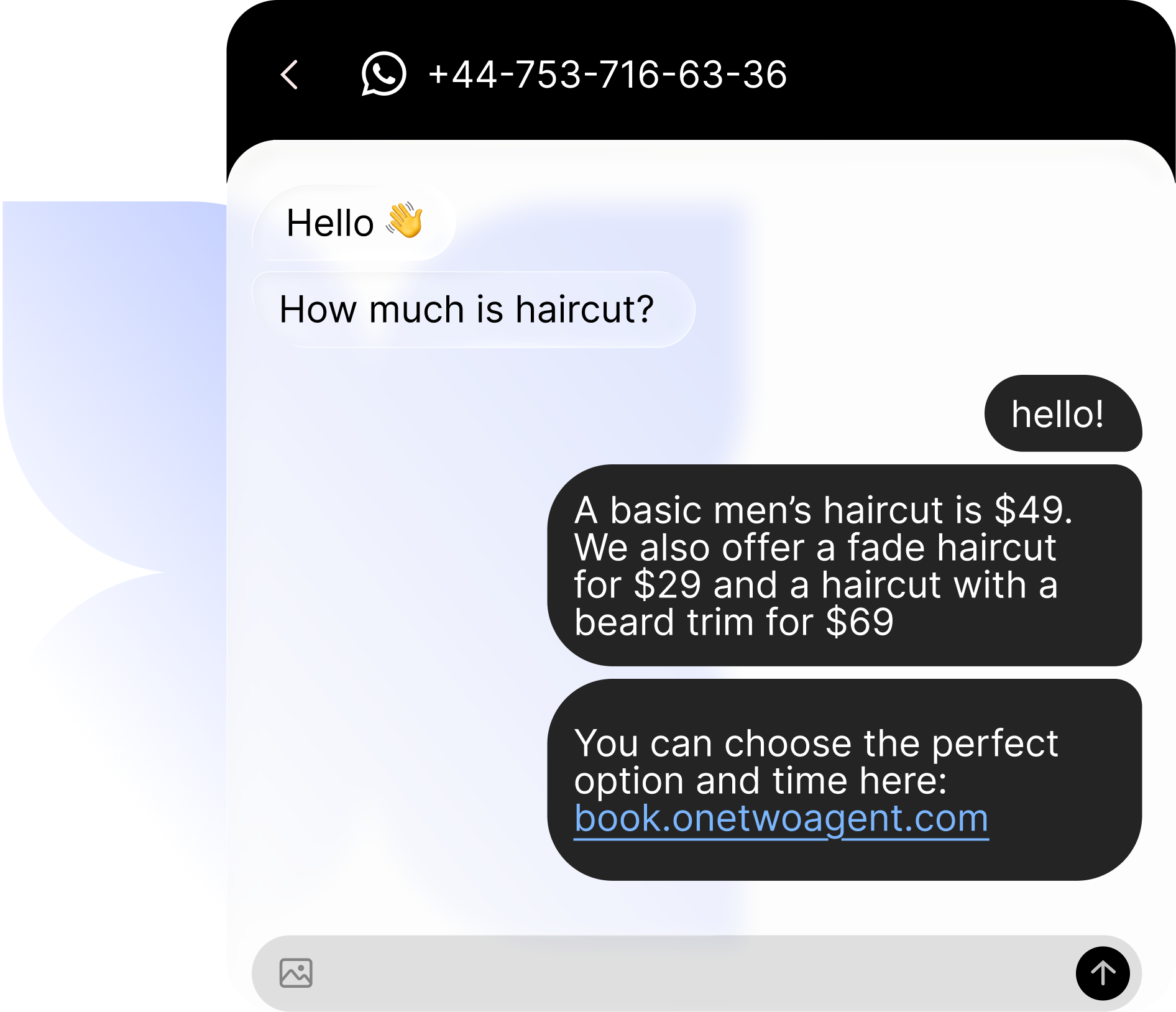
When WhatsApp booking is set up properly, more chats reach confirmation and your team spends less time on weak inbound and manual scheduling.
Buyers with real intent move forward instead of going quiet after one question.
The team spends less time sorting weak chats and more time on people who are ready to book.
More WhatsApp conversations reach booking, meetings or the right human handoff.
Questions about using WhatsApp to book more appointments
Sending a generic booking link before qualifying what the buyer actually needs. That usually creates confusion, wrong bookings or drop-off.
Yes. Early qualification saves time and makes the booking path much cleaner.
Yes. A strong WhatsApp workflow does not stop at answering questions. It can route qualified people to booking, a meeting, a call or the right team path.






.webp)







Use OneTwoAgent to answer faster, qualify earlier and move more WhatsApp chats to booking, meetings or handoff.